Deathmatch
Pick your loadout, respawn and get back into the fight.
01 A community project by SHOT · 2018 build
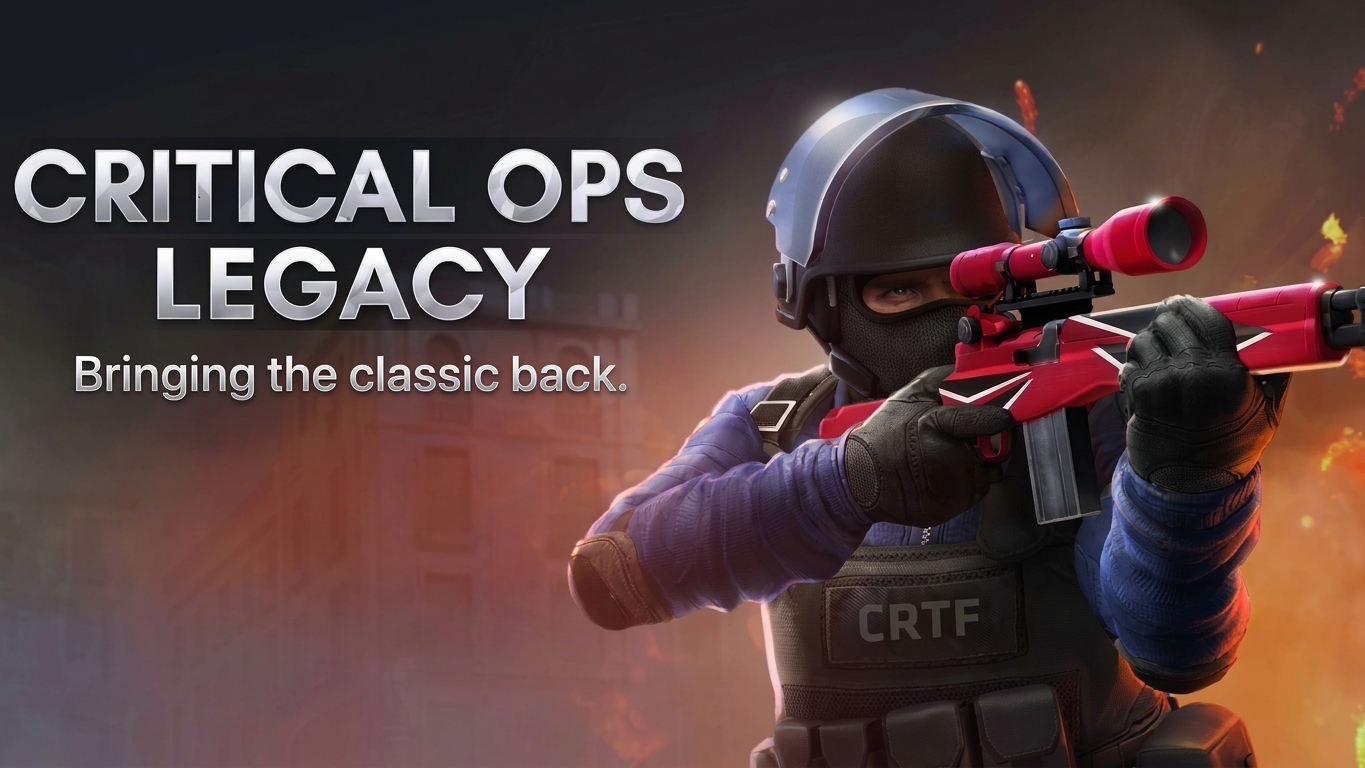
Bringing the classic back.
Return to the original maps and familiar weapons. Play against bots or share a room with friends.
Windows PC + Android emulator · x86 build
02 The game you remember
Pick your loadout, respawn and get back into the fight.
Plant or defend. Round-based play with team economy.
Work through the weapon progression, one kill at a time.
Enable Bots when hosting. Choose Easy, Medium or Hard; bots fill the remaining player slots across both teams.
03 Set up once. Come back anytime.
Extract the downloaded package. Drag Critical Ops Legacy.apk into your emulator to install it. Game data is bundled inside — no separate OBB file needed.
Play Solo Practice with bots — no friends required
Open Backend.cmd from the extracted folder. Wait until it displays BACKEND READY — this connects the game to your local server.
Open the game in your emulator. Once the backend is ready, the game connects automatically. No login or account required.
Tap HOST to create a match. Enable bots in the room settings, choose a difficulty, and start the game.
Play Online With friends — same PC or separate devices
The host opens Start Server.cmd. Wait for LOCAL SERVER READY, then wait for INTERNET TUNNEL CONNECTED. Keep this window open at all times.
Same PC: open Backend.cmd — it connects to the local server automatically. Both emulators share the same backend.
Different PC: the host copies the full SERVER ADDRESS (including the # suffix) and shares it. Each friend opens Backend.cmd, pastes the address, and waits for BACKEND READY.
Once everyone sees BACKEND READY, open the game. The host taps HOST to create a room, then shares the in-game ROOM CODE. Friends tap JOIN and enter the code.
04 Critical Ops Legacy / v0.9.12.f242
One package for the game and its local backend.
Install once, then start your session from the included CMD files.
Windows 10/11 (64-bit). An Android emulator with 32-bit x86 app support and access to the host PC at 10.0.2.2. This APK is not an ARM phone build.


Other emulators are alternatives, not verified compatibility guarantees. Check the Android instance's x86 support. Use emulator key mapping for keyboard and mouse controls.
05 Field notes / FAQ
The build, the backend and the connection—explained before your first match.
Ask a questionAn independent community restoration by SHOT, based on Critical Ops v0.9.12.f242 from 2018. It brings the classic build back to play with a custom backend, bots and shared multiplayer rooms.
No. It is a separate community project, not an official release, update or replacement for the current game.
The current package targets Windows 10/11 x64 and an Android emulator supporting 32-bit x86 apps and the 10.0.2.2 host-PC address. MuMu is used for testing. Other emulator instances must meet these requirements; their logos are not a compatibility guarantee.
This release contains an x86 APK, not an ARM32 or ARM64 phone build. Installing it on a typical ARM Android phone is not supported by this package.
No. Game data is included in Critical Ops Legacy.apk. Install that APK once; there is no separate OBB file to copy.
Extract the package and install the APK in your emulator. Open Start Server.cmd, wait for LOCAL SERVER READY, then open Backend.cmd. Launch the game after BACKEND READY. Keep the Files folder beside the launchers. See How to play for the connection steps.
Yes. The APK includes game data, but it still connects to the custom backend. Keep Backend.cmd open on each PC and Start Server.cmd open on the server PC throughout the session.
Yes, through the included shared-server connection. One PC runs Start Server.cmd. After INTERNET TUNNEL CONNECTED, share its full SERVER ADDRESS with your friend for Backend.cmd. Then join using the in-game room code. The temporary tunnel requires internet access and service availability; conditions can differ between networks.
Deathmatch, Defuse and Gun Game are selectable when hosting. The project includes eight original maps; availability follows the selected mode.
Yes. Enable Bots in the HOST screen and choose Easy, Medium or Hard. Bots fill the remaining player slots and are distributed across the two teams.
No. Choose a nickname on first launch. Legacy uses a local profile, separate from official accounts, purchases and progression.
Check that your emulator supports x86 apps, the package is fully extracted, Files remains beside the CMD launchers and BACKEND READY appears before opening the game. For remote play, use the latest complete server address—including its # suffix—in Backend.cmd. Room codes belong inside the game. An unavailable tunnel can prevent remote play while same-PC play remains available.
It is a non-commercial community project with no project access fee. The release download is currently disabled on this website. Non-commercial status does not grant rights to redistribute the original game's content.
No. Critical Force does not endorse, operate or officially support this project. Original game trademarks, artwork, code and assets belong to their respective rights holders. Read the legal notice for details.
06 Project information / Legal
A community restoration of a classic game. Independent of its original developer, with respect for the people who created it.
Critical Ops Legacy is an independent, non-commercial project by SHOT. It is not affiliated with, endorsed by or officially supported by Critical Force. Project information refers to this restoration, not the official service.
Critical Ops, its trademarks and the original game's artwork, code and assets belong to their respective rights holders. Their use or description here does not transfer ownership or imply permission, partnership or endorsement.
The project revisits the classic game for community interest and historical preservation. Preservation, educational interest and non-commercial distribution do not automatically grant copyright permission or legal immunity.
Local backend and compatibility changes allow this older build to run in the documented setup. They do not imply access to the original server source or identical behaviour on every device, emulator or network.
Downloads and connection services may change or become unavailable. Review the requirements before installation, keep backups of local profile data and respect applicable law and third-party rights when using or sharing files.
The project is provided as available, without a promise of uninterrupted service or error-free operation. To the extent permitted by applicable law, the maintainers disclaim warranties and liability arising from its use. This does not exclude rights or liability that cannot lawfully be excluded.
Rights holders can contact SHOT with the relevant work, ownership information and the material concerned. Requests will be reviewed through the existing contact channel.
Further reading: Copyright permissions — U.S. Copyright Office.